State Parks & Forests
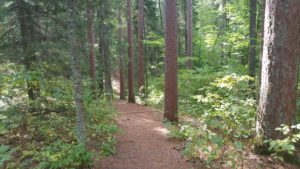
Nature’s beauty awaits in the towering pines, diverse wetlands and pristine waters of Grand Rapids Area Parks, like the Chippewa National Forest.
Explore the Town
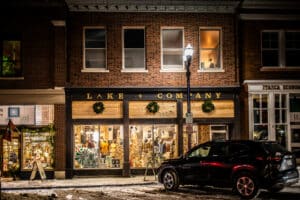
You may be surprised to learn just how many attractions Grand Rapids, MN has to offer. We are home to many talented artists that you can explore through live performances, art walks & galleries. You can also be a part of the history in Grand Rapids by stepping back in time at one of our many historical attractions. You are sure to find things for all ages in Grand Rapids!
Trails Info

The Grand Rapids, Minnesota area has hundreds of thousands of acres that you can hike through mixed hardwood and pine forests to enjoy nature.
Lakes & Beaches
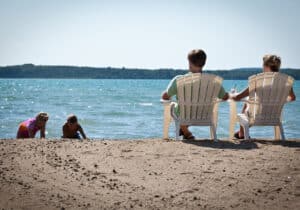
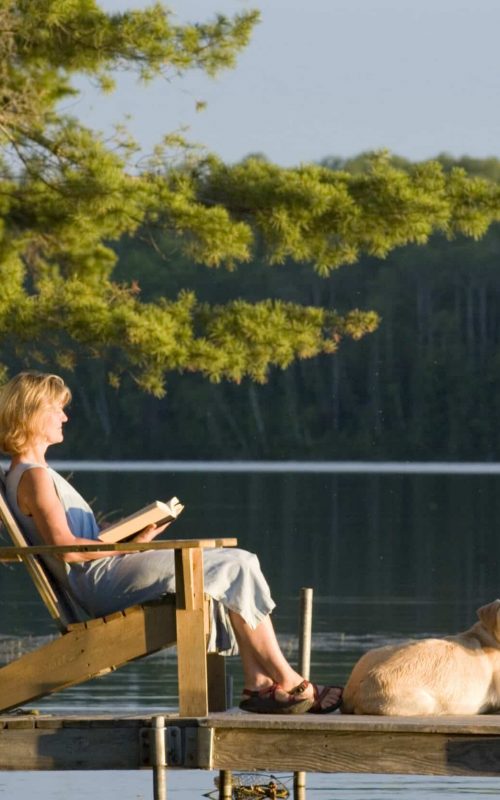
Many memories are made on Grand Rapids, MN area lakes. Designated public beaches are the perfect places where you can safely swim, fish, and enjoy a picnic lunch. Click to learn more…
Mountain Biking Trails
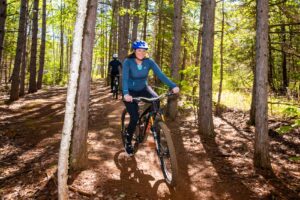
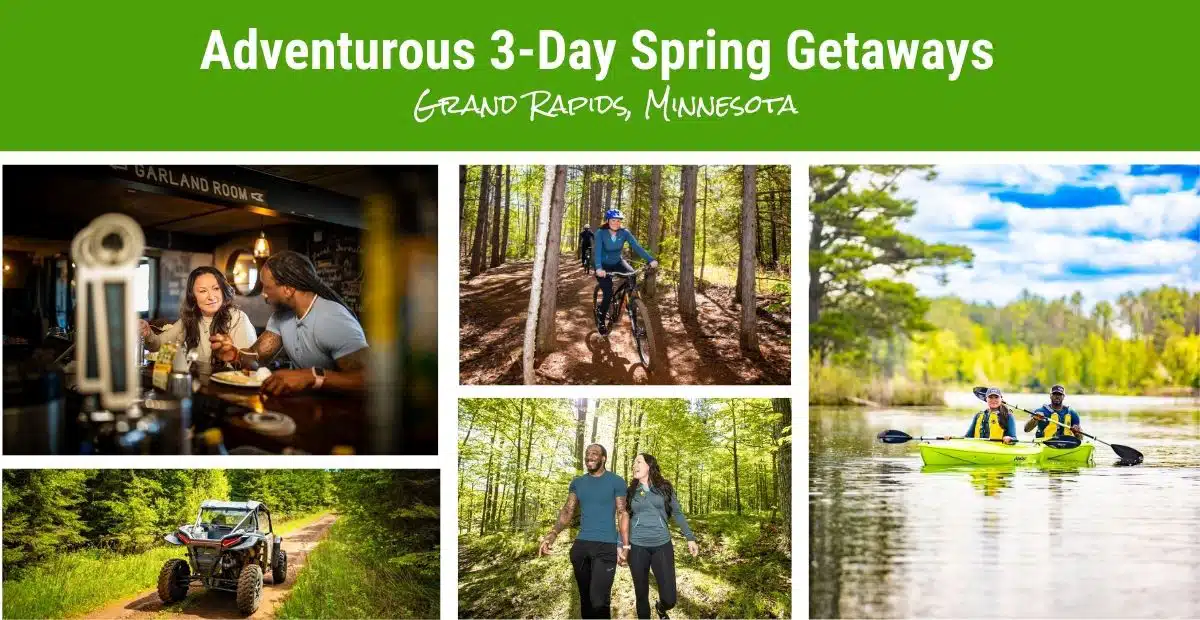
The Grand Rapids, Minnesota area has over 100 miles of bike trails that you can ride all seasons.
Paddle Sports
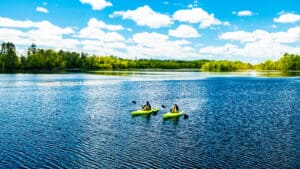 With our endless network of lakes and rivers, Grand Rapids is the perfect launching point for your paddle trip.Click to learn more…
Fishing
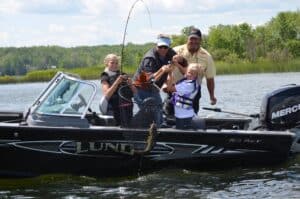
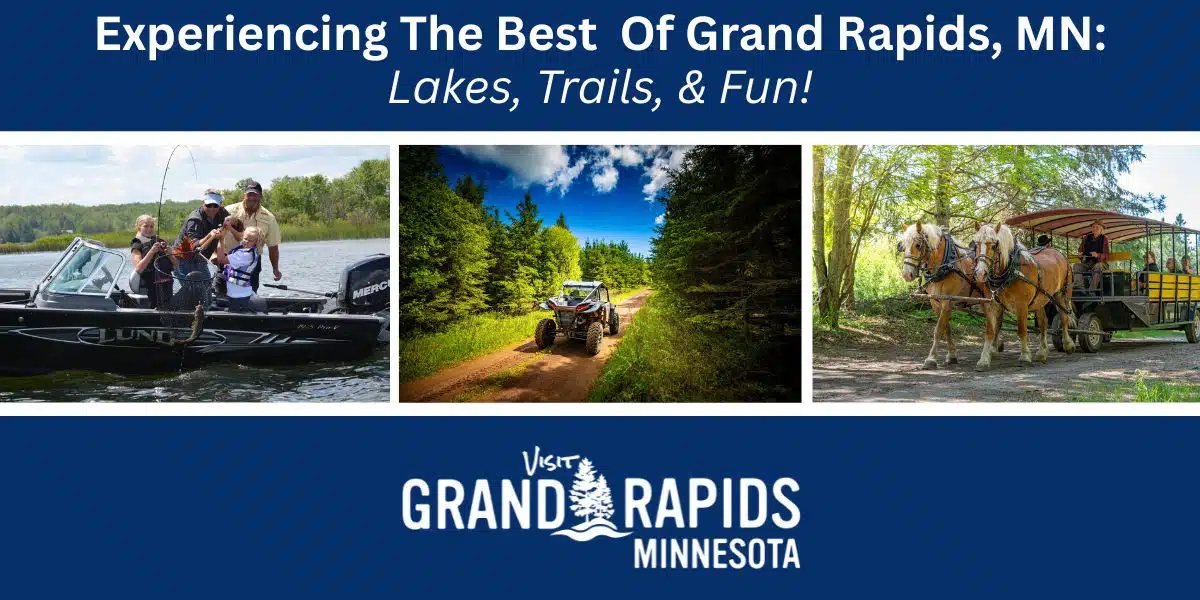
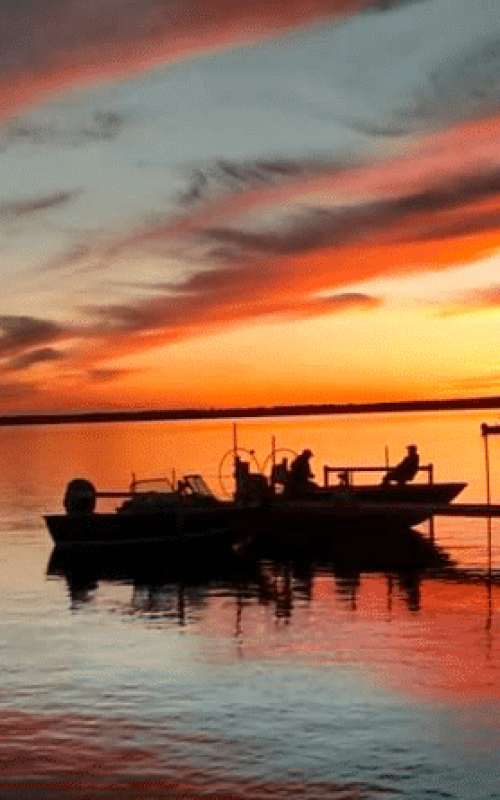
The Grand Rapids, MN area is home to more than 1,000 lakes prime for fishing. A fishing mecca for anglers in search of walleye, bass, crappies, northerns, musky, trout, panfish, perch and more. Click to learn more…
ATV & OHV Trails
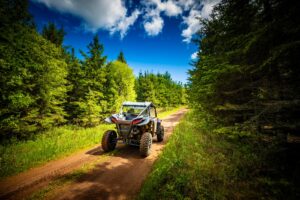
In Itasca County, there are over 200 miles of ATV trails to ride.
Biking Trails
The Grand Rapids, Minnesota area has over 100 miles of bike trails that you can ride all seasons.
Hiking Trails
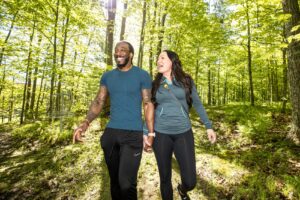
The Grand Rapids, Minnesota area has hundreds of thousands of acres that you can hike through mixed hardwood and pine forests to enjoy nature.
Fishing & Lakes
The Grand Rapids, MN area is home to more than 1,000 lakes prime for fishing. A fishing mecca for anglers in search of walleye, bass, crappies, northerns, musky, trout, panfish, perch and more.
Beaches
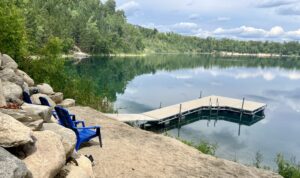
The Grand Rapids, MN area is home to more than 1,000 lakes with many of them offering sandy clean beaches to sit and soak up the sun on.
Paddle Sports
With our endless network of lakes and rivers, Grand Rapids is the perfect launching point for your paddle trip.
Events
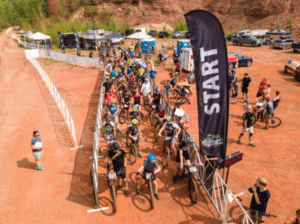 There are so many things happening in the greater Grand Rapids area. Below are performances, live music, bingo, trivia, events, and so much more.
Places to Stay
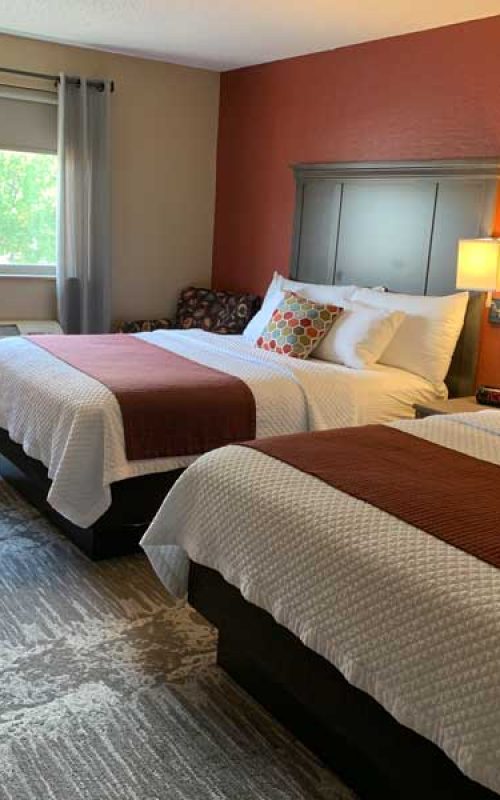
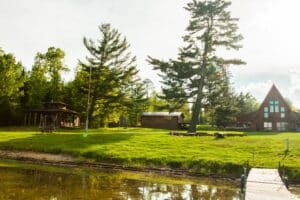 The accommodations in our area range from rustic to upscale: conveniently located hotels, affordable motels, family & fishing resorts, charming bed and breakfast, and vacation rental homes and cabins.
Eat & Drink
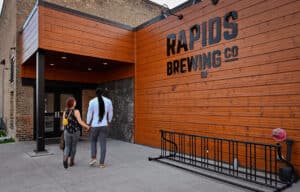
You can work up quite the appetite while recreating in the outdoors in Minnesota’s nature. There are a wide variety of places to eat & drink in the Grand Rapids, MN area.
State Parks & Forests
Nature’s beauty awaits in the towering pines, diverse wetlands and pristine waters of Grand Rapids Area Parks, like the Chippewa National Forest.
Explore the Town
You may be surprised to learn just how many attractions Grand Rapids, MN has to offer. We are home to many talented artists that you can explore through live performances, art walks & galleries. You can also be a part of the history in Grand Rapids by stepping back in time at one of our many historical attractions. You are sure to find things for all ages in Grand Rapids!
Trails Info
The Grand Rapids, Minnesota area has hundreds of thousands of acres that you can hike through mixed hardwood and pine forests to enjoy nature.
Lakes & Beaches
Many memories are made on Grand Rapids, MN area lakes. Designated public beaches are the perfect places where you can safely swim, fish, and enjoy a picnic lunch. Click to learn more…
Paddle Sports
With our endless network of lakes and rivers, Grand Rapids is the perfect launching point for your paddle trip.Click to learn more…
Fishing
The Grand Rapids, MN area is home to more than 1,000 lakes prime for fishing. A fishing mecca for anglers in search of walleye, bass, crappies, northerns, musky, trout, panfish, perch and more. Click to learn more…
ATV & OHV Trails
In Itasca County, there are over 200 miles of ATV trails to ride.
Biking Trails
The Grand Rapids, Minnesota area has over 100 miles of bike trails that you can ride all seasons.
Hiking Trails
The Grand Rapids, Minnesota area has hundreds of thousands of acres that you can hike through mixed hardwood and pine forests to enjoy nature.
State Parks & Forests
Nature’s beauty awaits in the towering pines, diverse wetlands and pristine waters of Grand Rapids Area Parks, like the Chippewa National Forest.
Explore the Town
You may be surprised to learn just how many attractions Grand Rapids, MN has to offer. We are home to many talented artists that you can explore through live performances, art walks & galleries. You can also be a part of the history in Grand Rapids by stepping back in time at one of our many historical attractions. You are sure to find things for all ages in Grand Rapids!
Trails Info
The Grand Rapids, Minnesota area has hundreds of thousands of acres that you can hike through mixed hardwood and pine forests to enjoy nature.
Lakes & Beaches
Many memories are made on Grand Rapids, MN area lakes. Designated public beaches are the perfect places where you can safely swim, fish, and enjoy a picnic lunch. Click to learn more…
Paddle Sports
With our endless network of lakes and rivers, Grand Rapids is the perfect launching point for your paddle trip.Click to learn more…
Fishing
The Grand Rapids, MN area is home to more than 1,000 lakes prime for fishing. A fishing mecca for anglers in search of walleye, bass, crappies, northerns, musky, trout, panfish, perch and more. Click to learn more…
ATV & OHV Trails
In Itasca County, there are over 200 miles of ATV trails to ride.
Biking Trails
The Grand Rapids, Minnesota area has over 100 miles of bike trails that you can ride all seasons.
Hiking Trails
The Grand Rapids, Minnesota area has hundreds of thousands of acres that you can hike through mixed hardwood and pine forests to enjoy nature.
Places to Stay
The accommodations in our area range from rustic to upscale: conveniently located hotels, affordable motels, family & fishing resorts, charming bed and breakfast, and vacation rental homes and cabins.
Eat & Drink
You can work up quite the appetite while recreating in the outdoors in Minnesota’s nature. There are a wide variety of places to eat & drink in the Grand Rapids, MN area.
Hiking Trails
The Grand Rapids, Minnesota area has hundreds of thousands of acres that you can hike through mixed hardwood and pine forests to enjoy nature.
Golf Courses
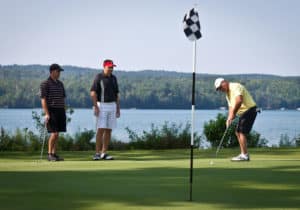
Grand Rapids is home to three championship level golf courses known as the Grand Lakes of Golf Courses; Sugarbrooke Golf Course, Pokegama Golf Course, Eagle Ridge Golf Course. Each course is beautifully manicured with different degrees of difficulty. All have cart rentals and restaurants on site.
Paddle Sports
With our endless network of lakes and rivers, Grand Rapids is the perfect launching point for your paddle trip.
Fishing
The Grand Rapids, MN area is home to more than 1,000 lakes prime for fishing. A fishing mecca for anglers in search of walleye, bass, crappies, northerns, musky, trout, panfish, perch and more.
ATV & OHV Trails
In Itasca County, there are over 200 miles of ATV trails to ride.
Mountain Biking Trails
The Grand Rapids, Minnesota area has over 100 miles of bike trails that you can ride all seasons.
Hiking Trails
The Grand Rapids, Minnesota area has hundreds of thousands of acres that you can hike through mixed hardwood and pine forests to enjoy nature.
Scenic Byways
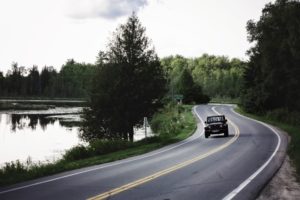 Take a scenic drive and discover mixed forests, tamarack bogs, old mine reclaimed areas, a few rolling hills and a view vistas and many lake overlooks.
Parks & Forests
The Grand Rapids, Minnesota area has over 100 miles of bike trails that you can ride all seasons.
Shop
The Grand Rapids, Minnesota area has hundreds of thousands of acres that you can hike through mixed hardwood and pine forests to enjoy nature.